How Safe Eats Works
Restaurant inspection reports are public records, but they are not always easy to understand. Safe Eats organizes those records so you can quickly see how restaurants have performed over time.
The app uses inspection data from the Southern Nevada Health District (SNHD), which reviews thousands of food establishments across Las Vegas and all of Southern Nevada.
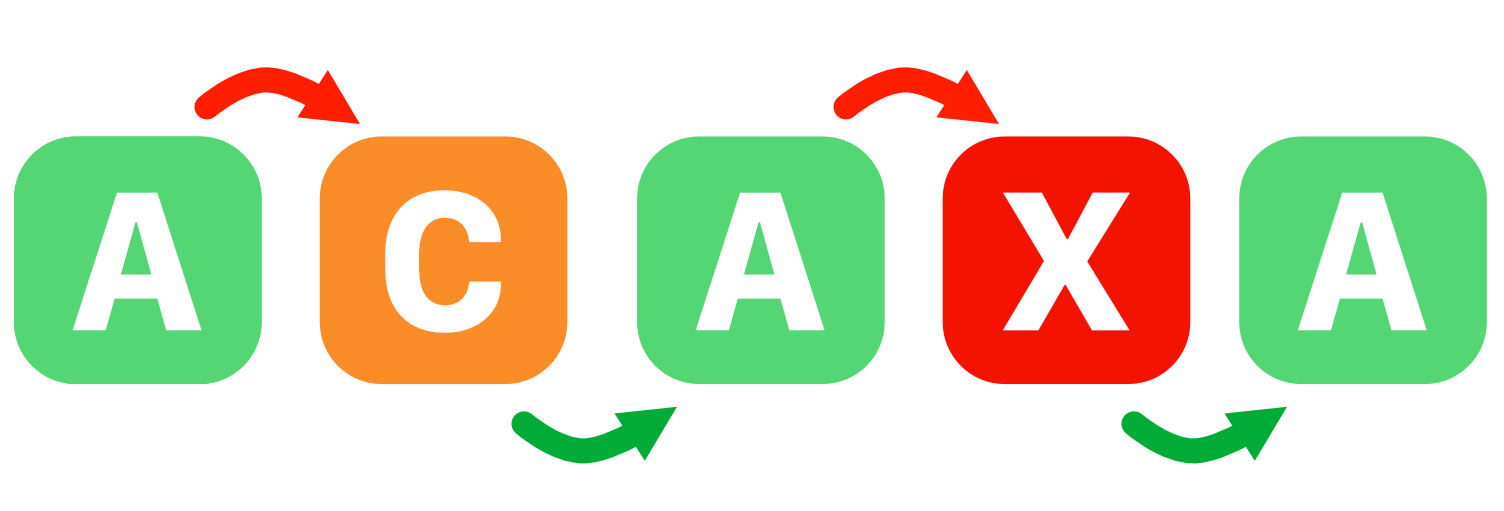
Grades only show the latest inspection
Most restaurants display only their most recent grade. That grade matters, but it does not tell you what happened last month or last week.
A location may currently display an A even though it recently had serious violations, a lower grade, or a follow-up inspection.
Grades change over time
Restaurant inspection grades are part of a timeline, not a single moment. Safe Eats helps you see that history instead of only the latest posted grade.
Why you see so many A grades
In Southern Nevada, food establishments are expected to maintain an A grade. That means many locations eventually return to A status even after problems are found and corrected.
This is one reason a quick glance at today's grade can be misleading.
Understanding inspection grades
Safe Eats helps you interpret the health department's grading system more quickly.

- A — strongest inspection result
- B — issues were found and require attention
- C — more serious concerns were identified
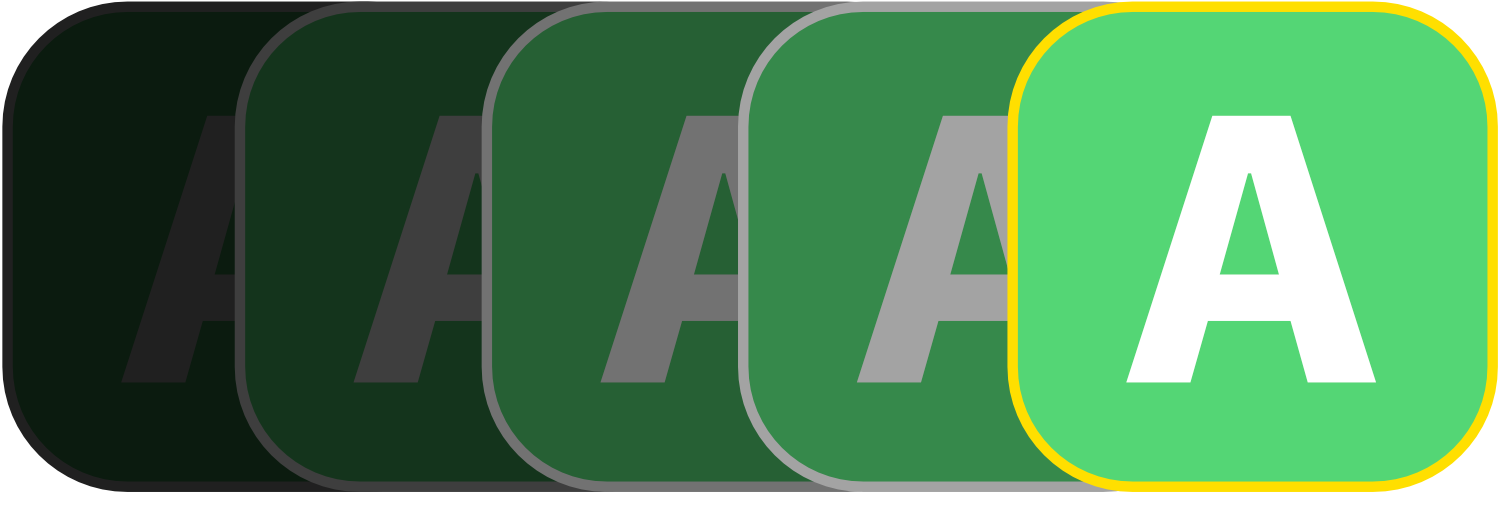
The current grade matters, but Safe Eats is most useful when you combine it with inspection history, violations, and trends.
Looking deeper into inspection results
Tap on any location to see its full inspection history — recent grades, violations, and how results have changed over time. Instead of reading dense government reports, you get a format designed for regular diners.
Need just the basics? Long-press any location in the list to open Quick Look — a fast summary with practical details: call ahead, get directions, check hours, visit the website, or read reviews. The complete inspection record is still just a tap away when you want it.
Going beyond the latest report
Safe Eats includes several features that help you see patterns a single inspection grade can't reveal.
- Chef's Picks — curated starting points that surface the most useful information right away: recent B's and C's, places trending in the wrong direction, and well-rated spots close to where you are right now.
- Hall of Fame — establishments with a consistent record of strong inspection results over time, not just one good report.
- Hall of Shame — locations with repeated problems or concerning patterns across multiple inspections.
- Data Insights — a broader view of inspection trends across all of Southern Nevada: the most common violations, how grades are distributed, and what it takes to maintain a consistently strong record.
Find better places near you
Safe Eats can use your location to show nearby establishments and help you identify places with stronger recent inspection histories — useful whether you live here or are visiting Las Vegas.
Follow any location and Safe Eats will notify you when a new inspection occurs or a grade changes. You can follow as many places as you like — your regular spots, places you're planning to visit, or anywhere you're curious about.
Report a concern
If you encounter a food safety issue, Safe Eats lets you file a complaint directly with the Southern Nevada Health District from inside the app — in English or Spanish.
Try Safe Eats
Safe Eats is a free download for iPhone and iPad. See the full inspection story behind the grade on the door.
